
Pinellas County Criminal History Checks
Begin with the event, not a broad assumption. The Pinellas Clerk Court Records View is the main free source for prosecutions filed in Circuit Court or County Court. Search by case number when known. A name search works best with a middle name and date of birth because common names can produce several records. The public index and document access depend on Florida court access standards, so a missing image does not always mean that no document exists.
A complete self-review compares the court result with the sheriff booking and the statewide FDLE history. Use this order:
- Search the Clerk's criminal and traffic case index.
- Match the name, birth date, case number, and charge carefully.
- Check PCSO Arrest Inquiry for current custody or a recent release.
- Request the police narrative from the agency that made the arrest.
- Use FDLE for a statewide name search or personal fingerprint review.
- Order a certified disposition from the Clerk when proof of the outcome is needed.
The Pinellas County government directory helps identify a county department when the custodian is unclear.
The county directory is a routing tool, while the record itself still comes from the sheriff, Clerk, or other originating office.
Pinellas Criminal Records Campus
The 49th Street North justice campus makes one key distinction easy to remember. The Pinellas County Jail at 14400 49th Street North creates booking and custody records. Next door, the Pinellas County Justice Center at 14250 houses criminal courts and the Clerk operation that maintains filed cases. The jail cannot certify a final court disposition, and the Clerk does not hold every arresting officer's incident narrative.
Pinellas also has court facilities at the Clearwater Historic Courthouse and the St. Petersburg Judicial Building. A docket or hearing notice controls the actual site. Current division information, calendars, ADA services, and interpreter contacts appear through the Sixth Judicial Circuit.
The circuit source is best for court operations; the Clerk portal remains the place to locate the case file.
Justice Center
14250 49th St. N.
Clearwater, FL 33762
727-464-7000
County Jail
14400 49th St. N.
Clearwater, FL 33762
727-582-6200
Official Background Checks in Florida
The Florida Department of Law Enforcement, Criminal History Services, maintains the state repository. Its CCHInet public search is a name-based check of Florida's Computerized Criminal History. It costs $24 plus a $1 card-processing fee. Because the result is based on typed identifiers rather than fingerprints, it can return possible matches or miss an event with incomplete data.
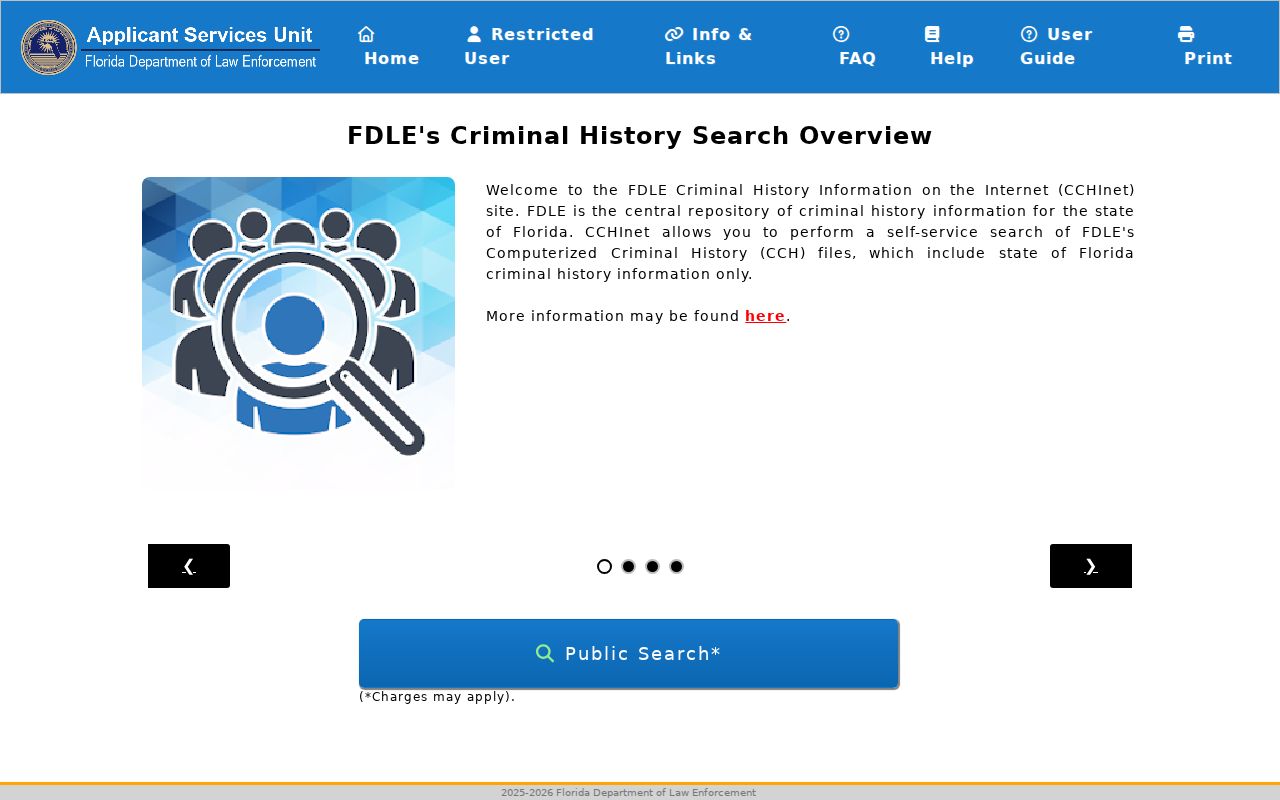
The CCHInet screen provides the broader Florida layer, but a Pinellas Clerk disposition is the stronger source for the final result in a local case.
For review of your own identity history, FDLE offers a fingerprint-based review and challenge route. FDLE-approved Livescan providers capture prints electronically, and provider charges vary. A statutory fingerprint screening for a license or qualifying volunteer role follows the agency's authorization and service-code rules. It does not run through the sponsored search widget.
Pinellas Court Records View
The Clerk's current View Records gateway explains free public access and the different access levels for guests, registered users, parties, and attorneys.
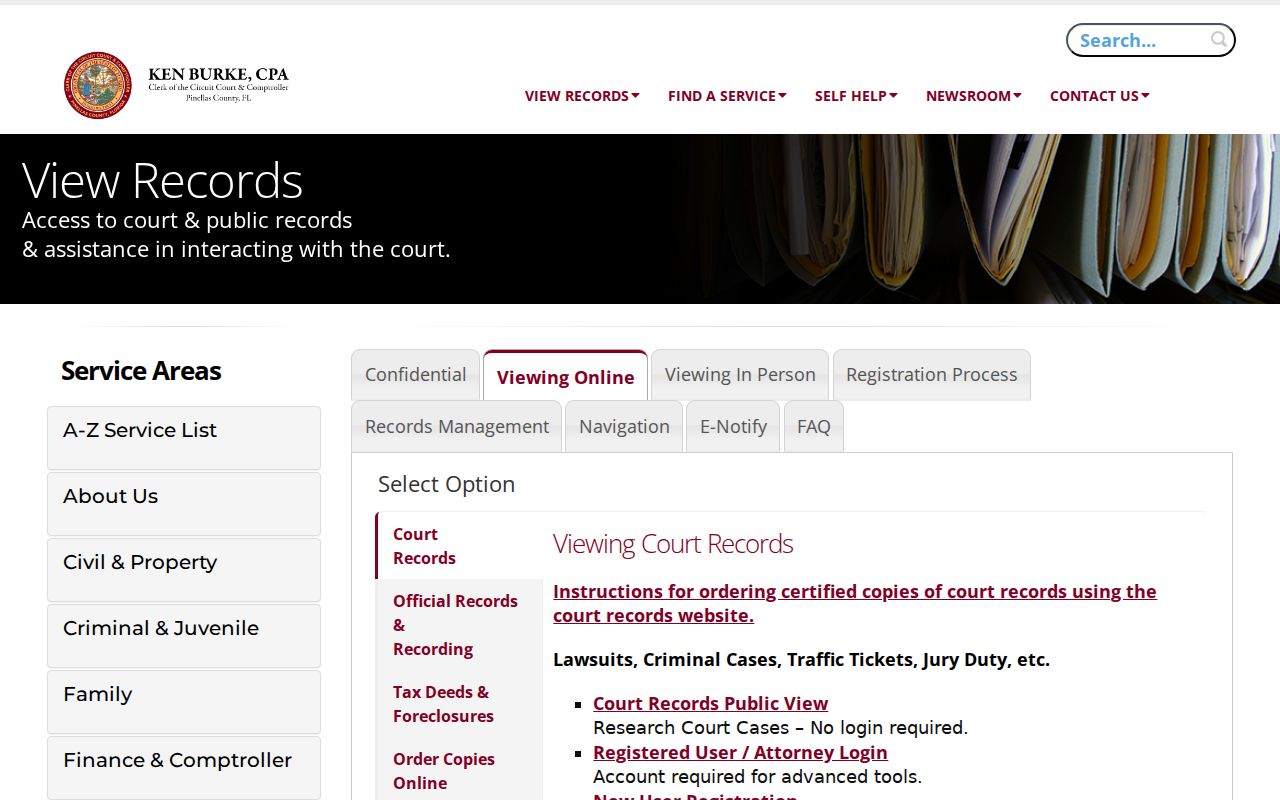
Access levels explain why one user may see a docket entry but not its document image. For an item not available through the free interface, use the Clerk's records request center or call 727-464-7000.
The separate Court Records View search is designed for the case lookup itself.
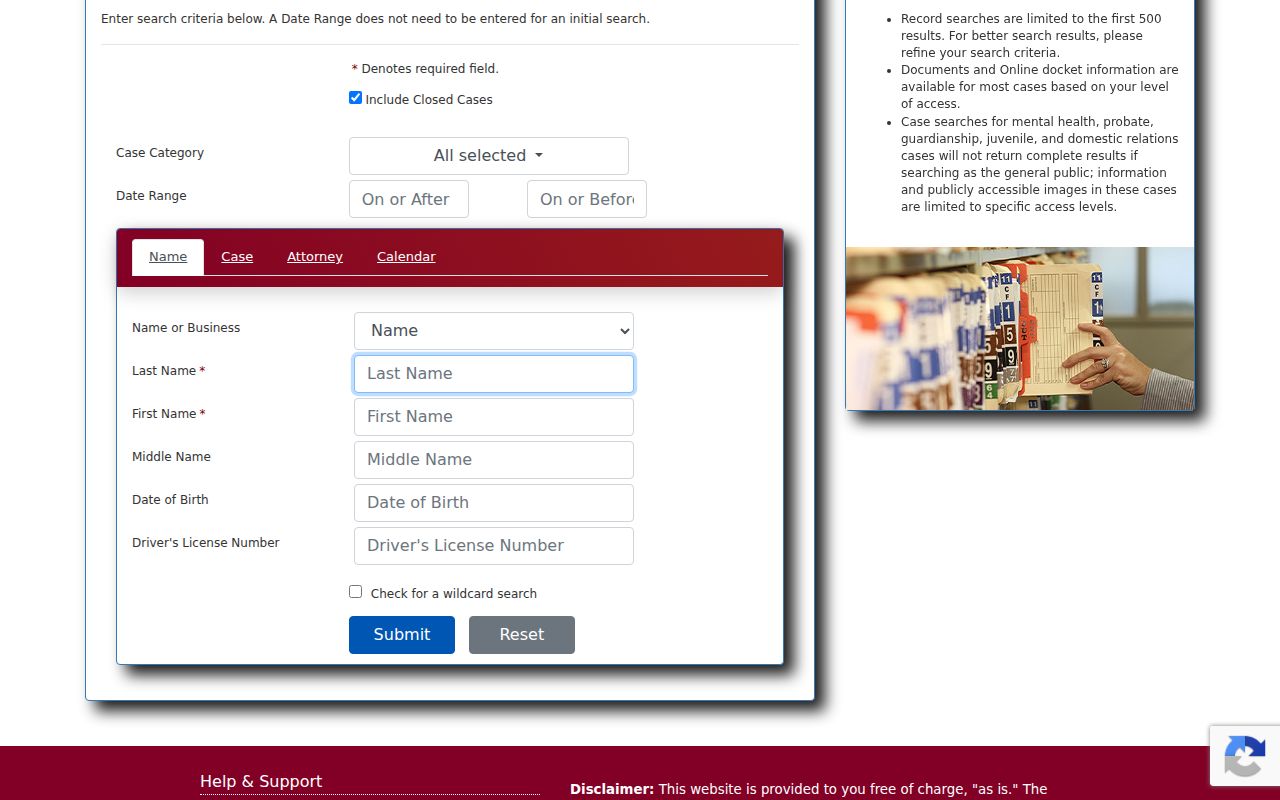
Use the narrowest reliable identifiers, then read the docket through disposition rather than stopping at the first charge.
| Channel | Best use | Limit |
|---|---|---|
| Clerk Court Records View | Filed case, docket, orders, disposition | Some images restricted |
| PCSO Arrest Inquiry | Current jail or release within 30 days | Not the final court result |
| FDLE CCHInet | Florida name-based history | Not fingerprint confirmed |
| Agency request | Incident narrative or older booking | Exemptions and fees may apply |
Kinds of Criminal Records
Pinellas criminal records describe different steps in one process. An officer's incident report states what the agency investigated. PCSO creates a separate booking entry after jail intake. The State Attorney decides which accusations become filed charges. The Clerk then records motions, pleas, orders, and the disposition. FDLE attempts to connect fingerprint arrest cycles with reported outcomes across Florida.
- Police report: the arresting agency's narrative, evidence references, and event details.
- Booking record: jail intake, charges at admission, bonds, holds, and release status.
- Court file: charges actually filed, docket events, orders, and judgment.
- State history: arrest cycles and dispositions reported to FDLE.
- Warrant record: court process, issue status, charge, and bond data when public.
- Supervision record: qualifying FDC custody, probation, release, or supervision data.
A single search rarely answers every question. The agency that created each layer is usually the right correction point when names, dates, or outcomes conflict.
Pinellas Arrest Inquiry Window
The Pinellas County Sheriff's Office maintains the county jail record and its Arrest Inquiry. The public search covers current inmates and people released within 30 days. Search broadly by surname first, then add a first or middle name and booking dates. Older releases have not necessarily vanished from government files. They have simply aged out of that public inquiry window.
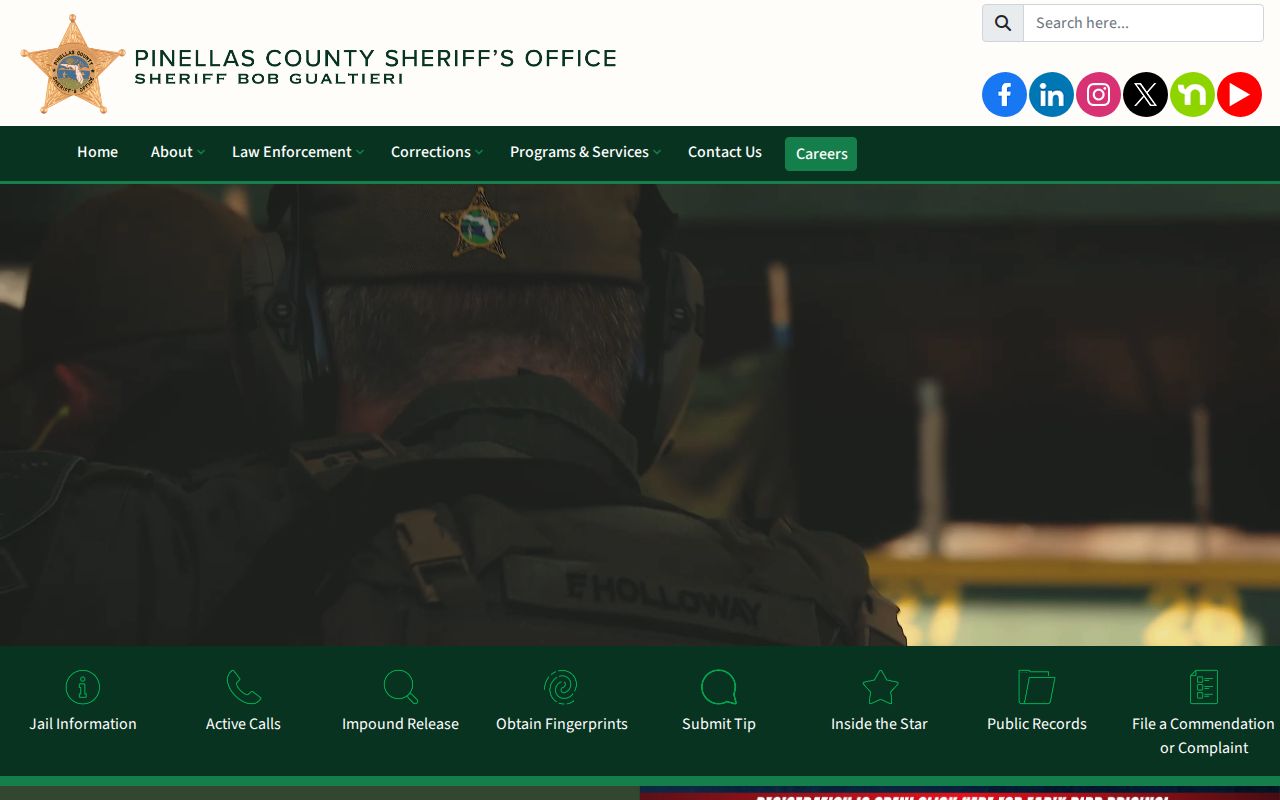
The sheriff homepage routes readers to detention, contacts, Arrest Inquiry, and public-record services. For an older booking, submit a focused PCSO request with the subject, approximate booking or release date, and booking number if known. Call 727-582-6200 for routing.
PCSO headquarters is at 10750 Ulmerton Road in Largo, but it is not the Largo Police Department. City incident reports remain with the city police agency even when the person was booked into the county jail.
Pinellas Criminal Records: What They Contain
A record should be read in context. Charge text on a booking reflects intake, while the court file shows what prosecutors chose to file. A disposition is the final recorded outcome of a count, such as conviction, dismissal, acquittal, or a prosecutor's decision not to proceed. Bond data is a release condition, not a judgment.
| Name and identifiers | Legal name, aliases where public, birth date or age, and agency identifiers. |
|---|---|
| Arrest and booking | Agency, dates, booking number, intake charges, custody, bonds, holds, and release. |
| Case information | Case number, court, filed counts, statute citations, docket events, and hearing notices. |
| Disposition | The outcome for each filed count and any adjudication status. |
| Sentence | Custody, probation, fines, costs, or other terms shown by the judgment. |
| Supervision | FDC custody or community supervision when the record is within state scope. |
Protected victim details, medical data, juvenile material, Social Security numbers, and active investigative information may be removed or withheld. A blank field is not proof that the underlying event did not occur.
Four Pinellas Record Layers
Pinellas has many police jurisdictions across a dense peninsula. The mailing city alone may not identify the arresting agency. St. Petersburg, Clearwater, Largo, beach departments, Florida Highway Patrol, campus agencies, and PCSO can all create their own narrative reports. Yet a person accepted at the Pinellas County Jail receives a PCSO booking.
The flow is straightforward: police report → PCSO booking → State Attorney charging decision → Clerk court file → FDLE disposition update. Delays and identifier mismatches can break the link. When FDLE lacks an outcome, obtain the certified disposition from the Clerk and use FDLE's personal review and challenge process. Do not assume the court must correct a state-repository matching problem.
The official FDLE criminal history overview describes the state products and review routes.
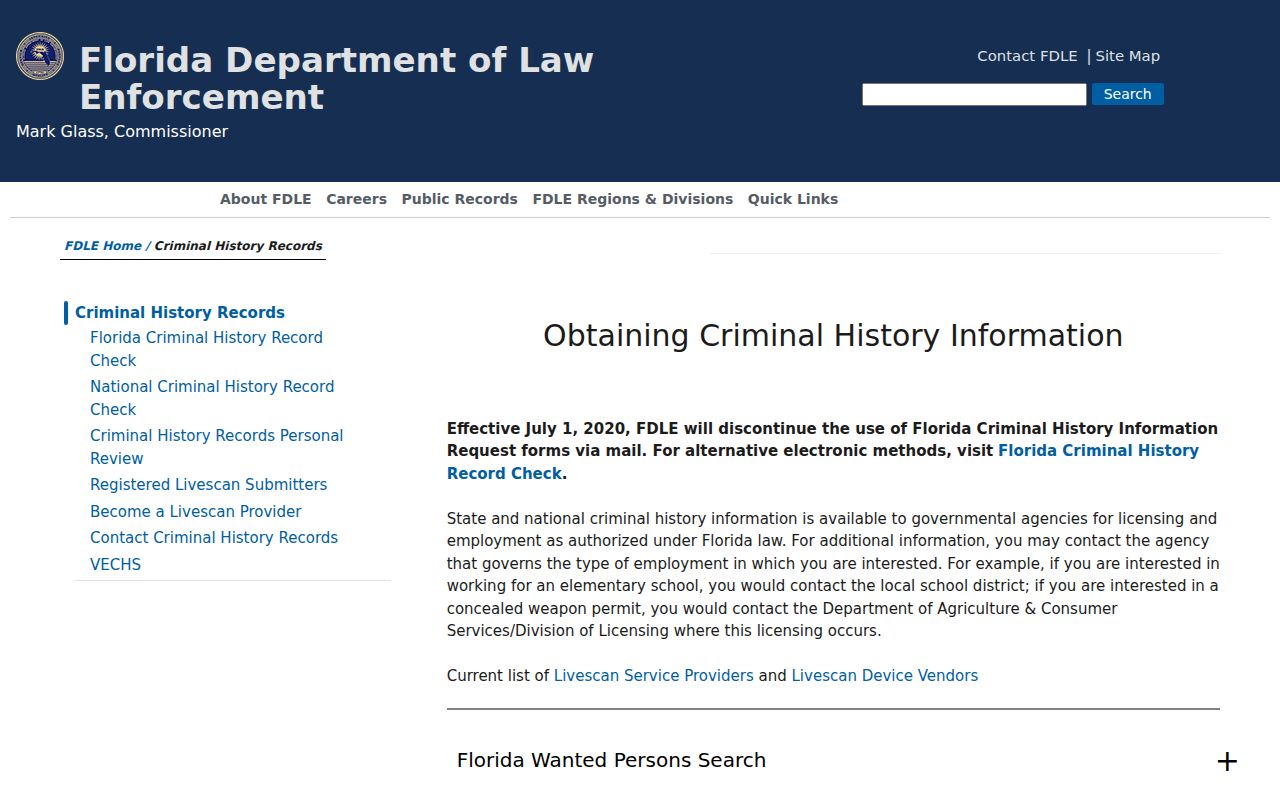
That statewide explanation complements, but does not replace, the local file held in Pinellas.
Florida Public Access Laws
Florida's public-record system starts with a presumption of access, but specific exemptions still control. A requester usually need not give a name or explain a purpose. Contact details are practical when the office must deliver files, ask for clarification, or send a cost estimate. A focused request can reduce search time and special-service charges.
Key laws:
Chapter 119 governs public inspection, copies, fees, response duties, and exemptions.
Section 943.053 controls FDLE dissemination of criminal justice information.
Section 943.056 provides personal review and challenge rights.
Section 985.04 restricts juvenile records, subject to stated exceptions.
The Pinellas public records page explains county request routes and open-government principles.
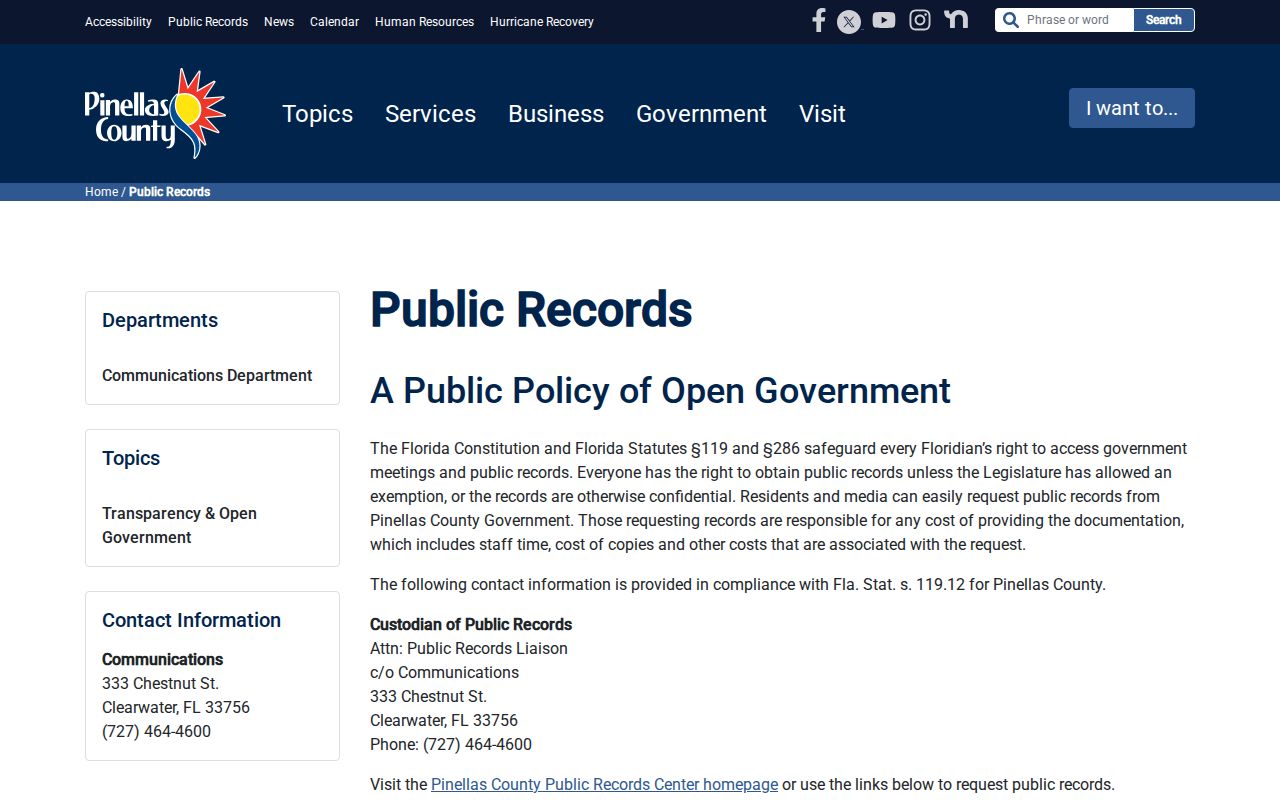
The county page is not a universal intake for city police, Clerk, or PCSO records. Send each request to the custodian that created the material.
Pinellas Record Request Costs
Online inspection is often free, but official searches and copies can cost money. Chapter 119 permits up to 15 cents for a one-sided page, 20 cents for a two-sided page, and up to $1 for certification. An agency may charge a reasonable special-service amount when extensive labor or technology is needed, and it may request a deposit. The scope and exemptions determine the final quote.
| Item | Published amount |
|---|---|
| FDLE CCHInet name search | $24 |
| CCHInet card processing | $1 |
| One-sided public-record copy | Up to $0.15 |
| Two-sided public-record copy | Up to $0.20 |
| Certification under Chapter 119 | Up to $1 |
| Clearwater city-only arrest activity record | $5 |
Electronic delivery can reduce duplication cost. Ask for an estimate and state a cost ceiling if the request could be large. Clerk certified-copy costs follow the current Clerk fee schedule, while Livescan providers set their own service charges.
Restricted, Sealed & Expunged Records
Florida sealing and expunction are not the same remedy. Sealing limits public access while specified justice agencies may retain access. Expunction generally requires agencies to destroy or remove records as the statute directs, though FDLE keeps a confidential notation. Eligibility is narrow and depends on the charge, outcome, prior relief, and statutory exclusions.
Section 943.059 covers court-ordered sealing, while section 943.0585 covers court-ordered expunction. Section 943.0595 provides automatic sealing for qualifying records. A dismissal does not by itself guarantee that every booking image or agency record is erased.
- Sealing
- Restricts public access but does not mean every government copy is destroyed.
- Expunction
- Removes qualifying records under a court order and statutory process.
- Redaction
- Hides exempt details while releasing the rest of a record.
- Disposition
- The court's recorded outcome for a filed charge.
Juvenile files, protected victim information, sealed process, and active investigative material follow separate confidentiality rules.
Pinellas Warrant Record Checks
No single public search can certify that a person has no Pinellas warrant. Check the Clerk docket for court-issued process, contact the issuing agency or court, call PCSO at 727-582-6200, and compare the FDLE wanted-person system. Public data may show a warrant or capias number, issue date, charge, case, court, and bond status. Search warrants and sealed process are not public before execution.
If a possible warrant appears, verify it directly. An empty web result is not clearance. Contact the issuing court, Clerk, or counsel for bond and surrender instructions, and obtain confirmation after a recall or resolution. A capias is a court order directing law enforcement to take a person into custody, often after failure to appear or an alleged supervision violation.
PCSO does not advertise a verified app-only warrant search in the official material reviewed. Use its web and phone channels instead.
Pinellas Custody Beyond County Jail
County jail custody and state corrections are separate. After a sentence or transfer, the FDC Offender Search may show a person incarcerated, released, or supervised within Florida Department of Corrections data.
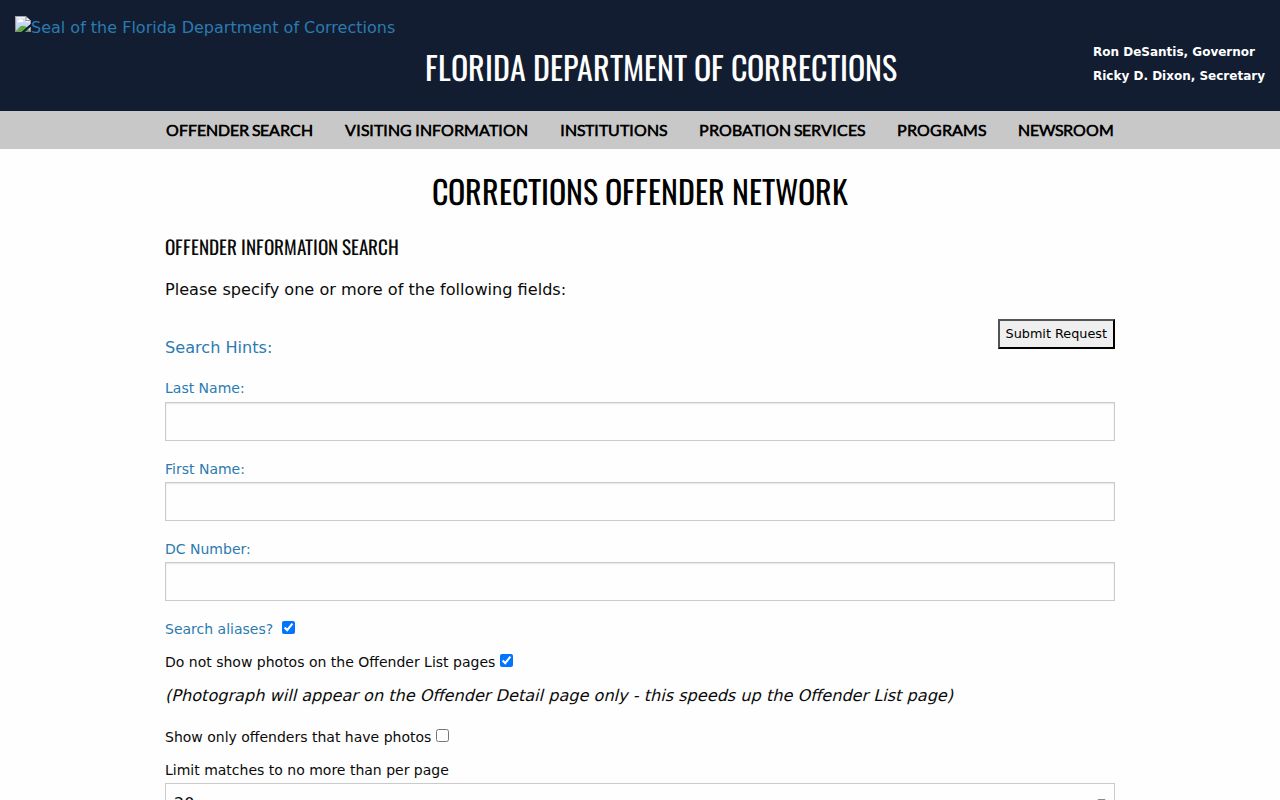
The state locator does not replace PCSO Arrest Inquiry for county custody. It also does not replace the Clerk judgment that imposed the sentence.
Adult felony probation and community control are state-run through FDC Circuit 6 offices. Pinellas misdemeanor probation is administered under local court arrangements. Modern Florida cases are generally not parole eligible, so probation and parole should not be treated as synonyms. The Florida Commission on Offender Review handles parole and certain other release decisions within its authority.
Pinellas Registry Record Searches
FDLE manages the Florida Sexual Offenders and Predators Registry. A county-wide search can be run by choosing Pinellas and leaving names blank. Florida uses the statutory categories sexual offender and sexual predator, not a simple public Tier I, II, or III risk score.
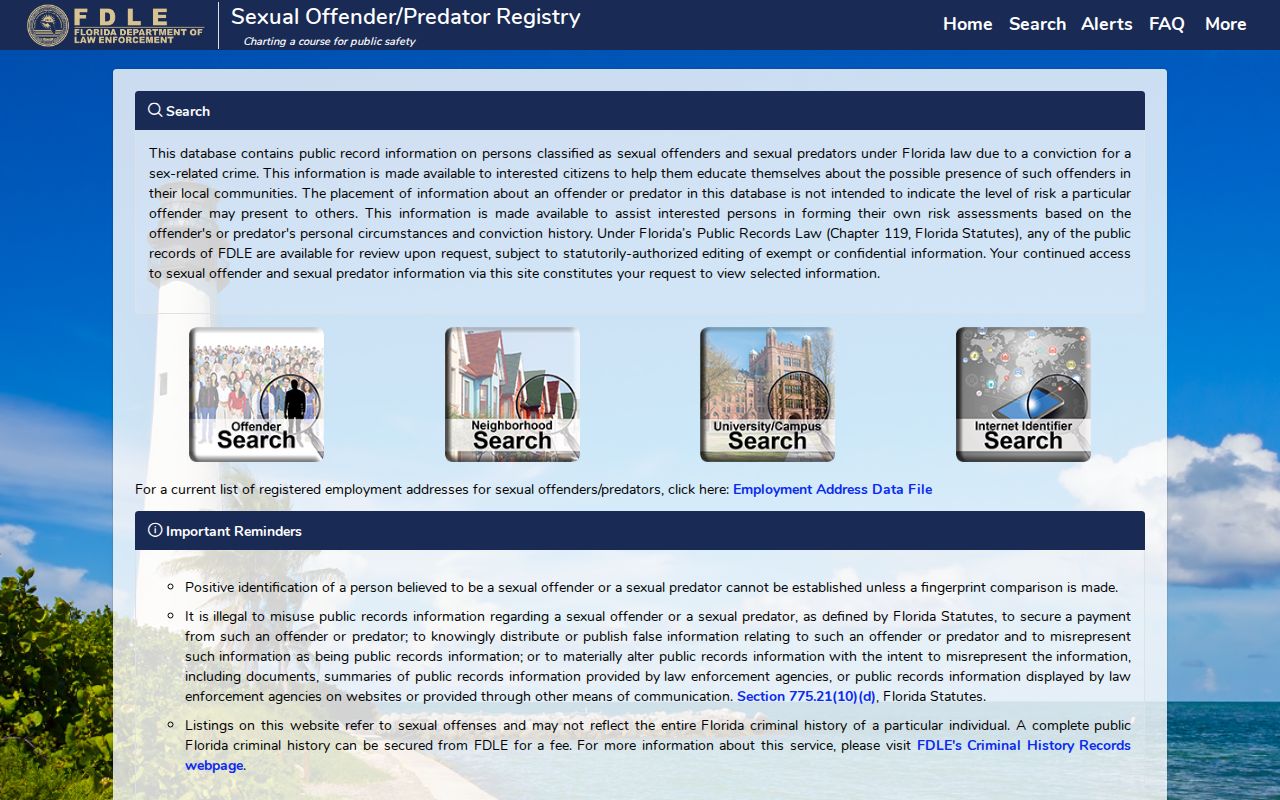
The registry profile can include photos, aliases, addresses, vehicles, status, qualifying offenses, supervision, and registration details. It is not a complete criminal history. Use Pinellas County Sex Offender Lookup for search fields, alert options, lawful-use limits, and PCSO registration routing.
Community members may subscribe to Florida Offender Alerts for a tracked person or an address area. Suspected bad data can be reported to FDLE, while suspected noncompliance belongs with law enforcement. Never confront or harass a registrant.
City-by-City Criminal Records in Pinellas County
City police departments keep their own incident narratives even when PCSO handles the jail booking and the Pinellas Clerk keeps the prosecution. St. Petersburg, Clearwater, and Largo therefore require different first stops. The arresting agency, not the postal city alone, determines where to ask for the police report.
St. Petersburg Record Check
SPPD records, PCSO bookings, and county court files.
Clearwater Record Check
Clearwater Police requests and the $5 city arrest activity record.
Largo Record Check
Largo Police reports and mid-county record routing.
Clearwater is the county seat, but that does not make one downtown office the custodian of every Pinellas criminal record. St. Petersburg is the largest city, and Largo sits close to PCSO headquarters and the justice campus. Each location still follows the same three-custodian chain: police report, county jail booking, and Clerk case.